UK eVisa Guide 2026: Your Digital Immigration Status
What a UK eVisa is and what it replaces, who needs to act in 2026, how to create a UKVI account and access your status, how to share it with a share code, and how to travel with a digital immigration status.
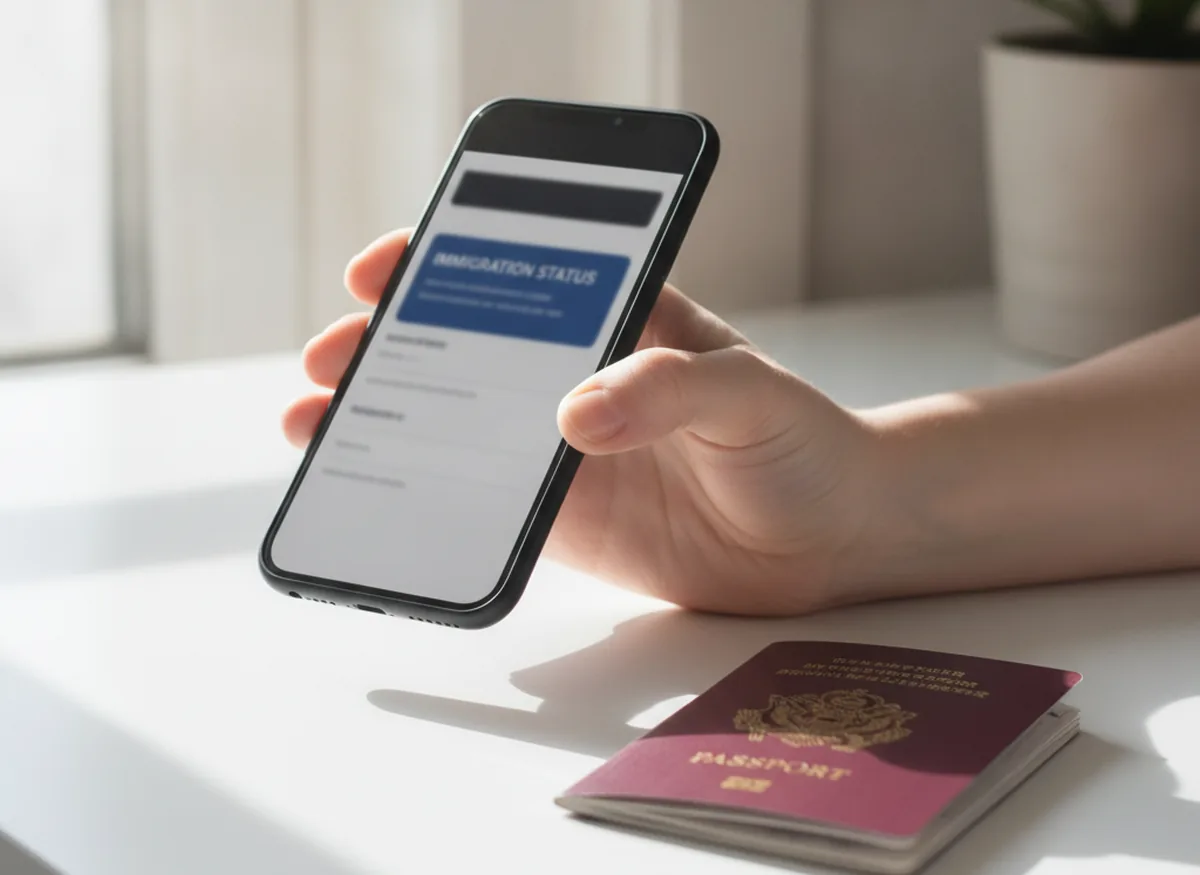
Five things to know about the UK eVisa
What is a UK eVisa?
A UK eVisa is an online record of your identity, your immigration status and the conditions of that status, such as whether you can work or study. It is not a document you carry; it is held securely in your UKVI account and viewed online.
The eVisa has replaced the biometric residence permit (BRP), and is also replacing the biometric residence card (BRC) and the ink stamps and vignettes (stickers) that used to go in passports. You usually get an eVisa automatically when you are granted a UK visa or other permission. Setting up the UKVI account you need to access it is free, and each person, including each child, needs their own account.
Do you need an eVisa?
Most people with a UK visa or settled status either already have an eVisa or need to create a UKVI account to access one. A few groups do not need one, and for some it is optional.
- Still have permission to stay but hold an expired BRP
- Have a visa or settled status but have never created a UKVI account
- Were issued a BRP or BRC and have not yet moved to an eVisa
- Are a British or Irish citizen (travel on your passport)
- Are visiting with an Electronic Travel Authorisation (ETA)
- Have permission only for the Channel Islands, Isle of Man or Gibraltar
- Hold no-expiry physical proof of settlement (optional for you)
Expired BRPs in 2026: what you can still do
All BRPs have now expired and been replaced by eVisas. If you still have permission to stay and an expired BRP, you must create a UKVI account to access your eVisa.
An expired BRP can still be used, but only for a limited set of purposes and only for a limited time: until 24 months after the printed expiry date, or until 31 December 2026, whichever comes first. Within that window you can use the expired card to sign in to view your eVisa and get a share code, to create a UKVI account, or to apply to extend your permission. For everything else, including proving your status to an employer or landlord, you must use your eVisa rather than the expired card.
Do not throw an expired BRP away while you still need it to create your account. If there is a problem with the card you cannot use it and should report it; a lost or stolen BRP must still be reported even though it has expired, or you risk a fine of up to £1,000.
How to create a UKVI account and access your eVisa
You access your eVisa through a UKVI account. First check whether you already have one, then create it and link your eVisa.
Check whether you already have a UKVI account
You already have one if you have used the UK Immigration: ID Check app, created an account when applying for a visa, replaced a BRP or BRC with an eVisa, or applied to the EU Settlement Scheme. Do not create a second account.
Start on GOV.UK and prepare your details
Go to the GOV.UK eVisa pages. You need a phone number and email you can use each time you sign in, plus one of: a valid passport with your visa application number, a valid passport with your BRP number, or your expired BRP (within the time limit above).
Verify your identity and link your eVisa
Confirm your identity, usually using the UK Immigration: ID Check app, then link your account to your eVisa. There is an alternative route if you cannot use a smartphone or have no valid passport.
Sign in and check your details
Sign in to view your eVisa and check that your status, conditions and passport details are correct. You can link your eVisa later from the dashboard if it was not done at sign-up.
How to view and prove your status
You prove your immigration status to other people using a share code generated from the GOV.UK "view and prove your immigration status" service, not by showing your full eVisa.
A share code lasts 90 days, can be reused as many times as you need before it expires, and you can generate a new one at any time. When you give a share code to an employer, a landlord or a carrier, you also give your date of birth, and they see only the information relevant to them rather than your whole record. Separate services exist to prove your right to work and right to rent if you cannot access your eVisa at the time.
Travelling with an eVisa
Before you travel, check that your UKVI account and eVisa are correct and that your current passport is linked, because a carrier can refuse to let you board, and you may be delayed at the border, if the details do not match.
You must travel with a passport or travel document that you have added to your UKVI account, and the details must match the passenger information you give your carrier. Your eVisa is checked when you leave and enter the UK, at the border or eGates, and at carrier check-in to return. You can add more than one passport to your account, which helps dual nationals. If you get a new passport while in the UK, update your UKVI account; if your details change while you are outside the UK, whether you can update online depends on what changed and whether your passport is biometric. An eVisa is not the same as an Electronic Travel Authorisation, which is for visa-free visitors staying up to six months.
Settled status holders: the free 'No Time Limit' route
If you hold physical proof of settlement, such as an ink stamp or vignette with no expiry date, getting an eVisa is optional, your physical document still works. If you want an eVisa, you make a free 'no time limit' (NTL) application.
Do not make an NTL application if you instead have an expired BRP or EU Settlement Scheme status, as there is a different route for those. After applying you give your biometrics at a service point, and the NTL application can take up to six months, during which you can keep using your physical document. Moving to an eVisa is worthwhile because physical proof of settlement is increasingly hard to use as eVisas become the standard way to prove status.
Common problems and how to fix them
Most eVisa issues fall into a few categories, each with a dedicated GOV.UK route to fix it.
- You cannot sign in, for example because you have lost access to your old email or phone: use the GOV.UK account recovery service.
- Your eVisa is wrong, for example the wrong date of birth or status, or you can view it but cannot get a share code: use the report-an-error service. UKVI aims to fix most issues within 5 working days, and complex ones within 15.
- A carrier cannot check your eVisa at the airport: ask the carrier to contact the UK Border Force carrier support hub.
- You need help and have no internet or find it difficult: assisted-digital help and community support for vulnerable people are available through GOV.UK.
Official eVisa video guides
UK Visas and Immigration has published a series of short “how to” videos on the eVisa. The most useful are below; the full set is on the GOV.UK eVisa support videos page.
What an eVisa is
How to create a UKVI account and access your eVisa
How to create, link and access your eVisa with a passport
How to view and prove your immigration status with your eVisa
How to travel with your eVisa
How to recover your UKVI account
Frequently asked questions about the UK eVisa
A UK eVisa is an online record of your immigration status and its conditions, held in your UKVI account. It replaces the biometric residence permit (BRP), and is also replacing biometric residence cards and passport stickers. You usually get one automatically when you are granted permission, and setting up the account to access it is free.
Yes. All BRPs have expired and been replaced by eVisas. If you still have permission to stay, you must create a UKVI account to access your eVisa. An expired BRP can only be used for limited purposes until 24 months after its expiry, or 31 December 2026, whichever comes first.
You generate a share code from the GOV.UK 'view and prove your immigration status' service and give it, with your date of birth, to the employer, landlord or carrier. A share code lasts 90 days and can be reused, and the checker sees only the information relevant to them.
Add your current passport to your UKVI account and make sure your details match the information you give your carrier, as a carrier can refuse to board you if they do not match. Your eVisa is checked at the border, at eGates and at carrier check-in. If you get a new passport, update your UKVI account.
No, it is optional. If you hold physical proof of settlement with no expiry date, your document still works. If you want an eVisa you make a free 'no time limit' application, give biometrics, and can keep using your physical document while it is processed (up to six months).
Use the GOV.UK report-an-error service. UKVI aims to fix most issues within 5 working days, and complex cases within 15. If you cannot sign in, use the account recovery service; if a carrier cannot check your eVisa, ask them to contact the UK Border Force carrier support hub.
Talk to a regulated immigration adviser
The Whytecroft Ford Immigration Team helps applicants set up and correct their UKVI accounts, move from a BRP to an eVisa, and resolve status and travel problems. Every matter runs on a written engagement letter, with a named handler and a named supervisor.